
24V DC LED Strips
24V DC LED Strip Lights provide an efficient solution for continuous linear lighting, especially in longer installations where uniformity, light stability, and reduced voltage drop are essential.

Our featured products from 24V DC LED Strips
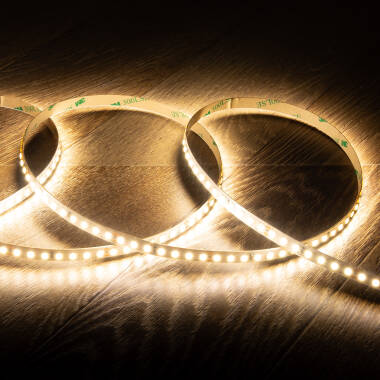
Essential
6,49 €
Ref 167713
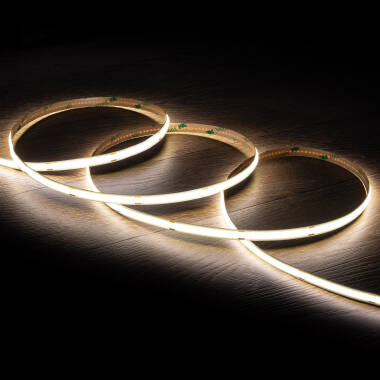
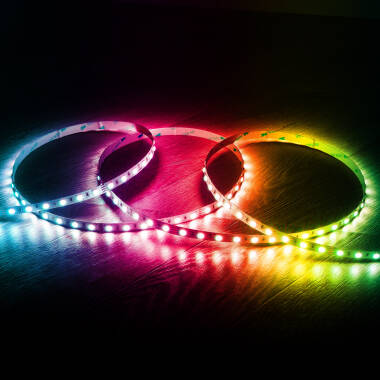
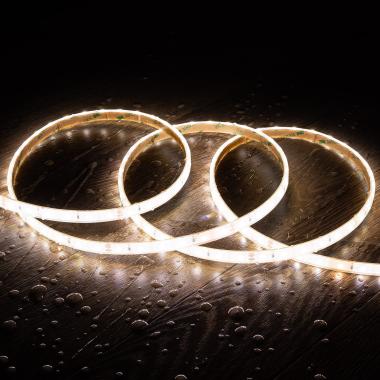
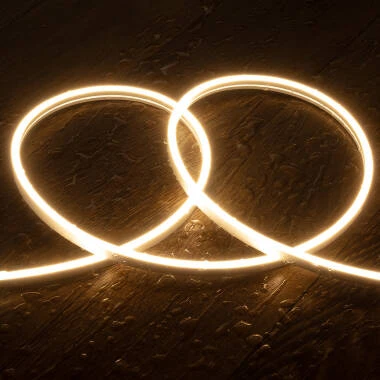
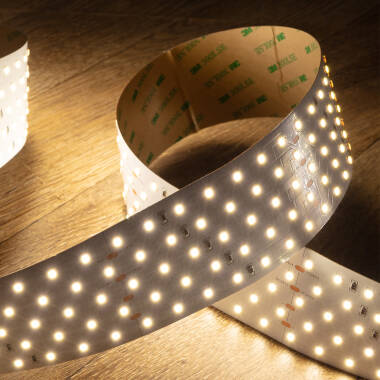
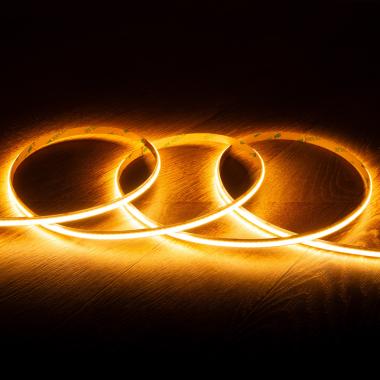
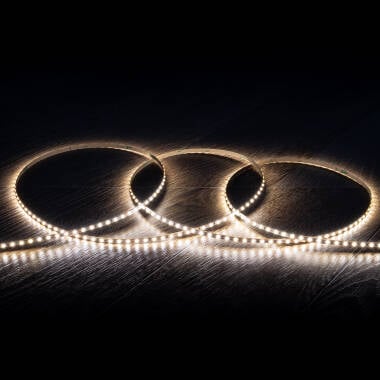
Adjustable5m 24V LED Strip SMD 140LED/m 12W/m 1400lm/m 8mm Wide Cut at Every 5cm IP20
In Stock, delivery in 15-20 days
- Voltage Range 24V DC
- Cut Points 5 cm
- Type Of Dimming Controller
6 options- -11%
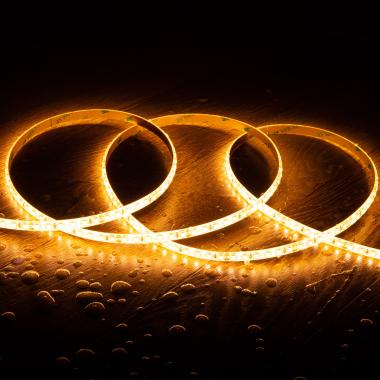
Essential
Before 12,29 €
10,99 €
Ref 108150
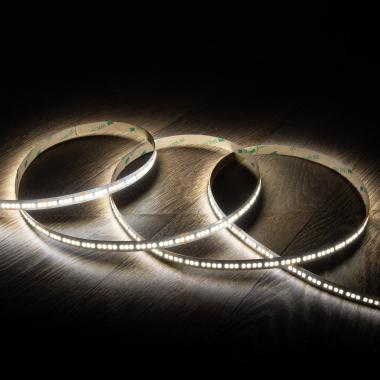
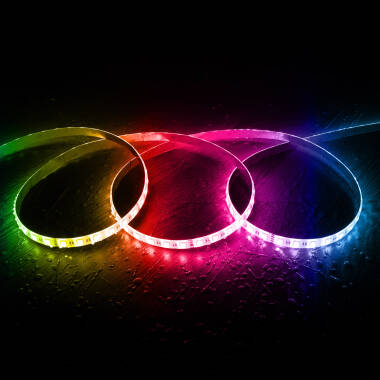
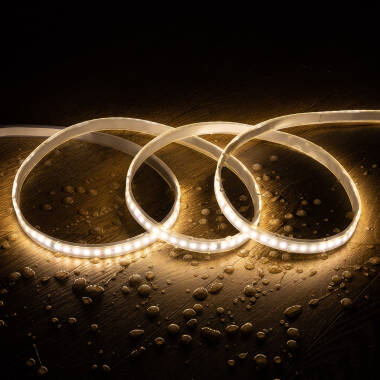
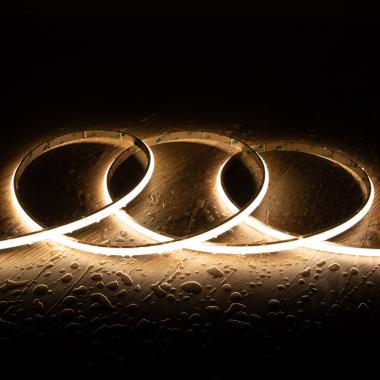
Adjustable5m 24V LED Strip SMD 120LED/m 10W/m 1000lm/m 8mm Wide Cut at Every 5cm IP65
In Stock, delivery in 15-20 days
- Voltage Range 24V DC
- Cut Points 5 cm
- Type Of Dimming Controller
6 options 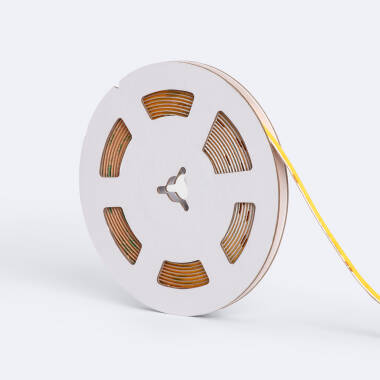
Expert
16,39 €
Ref 118874
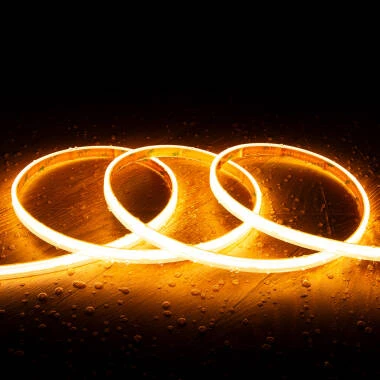
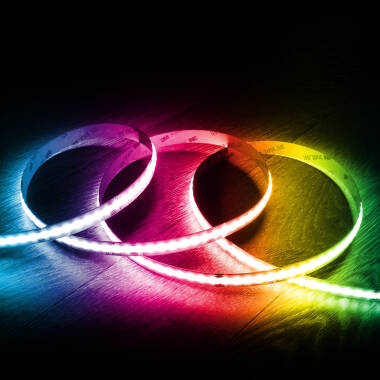
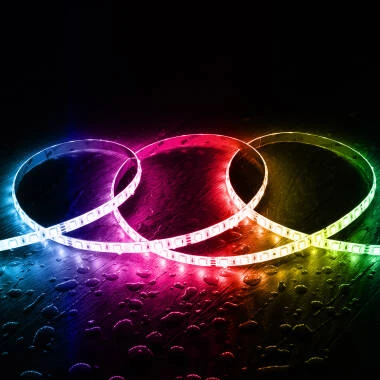
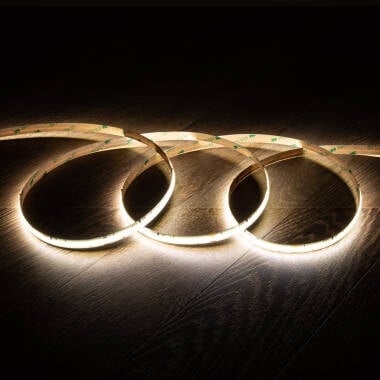
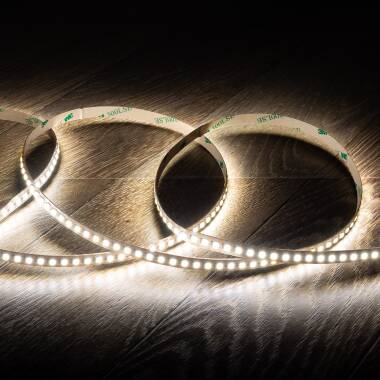
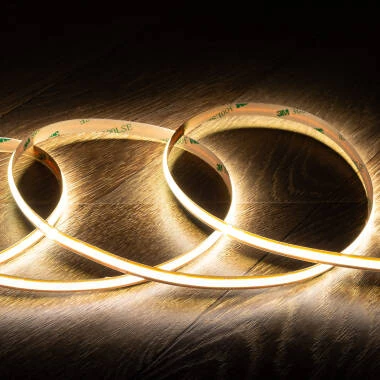
Adjustable5m 24V LED Strip COB 320LED/m 7W/m 840lm/m 5mm Wide Super Narrow Cut at Every 5cm IP20 CRI90
In Stock, delivery in 15-20 days
- Voltage Range 24V DC
- Cut Points 5 cm
- Type Of Dimming Controller
2 options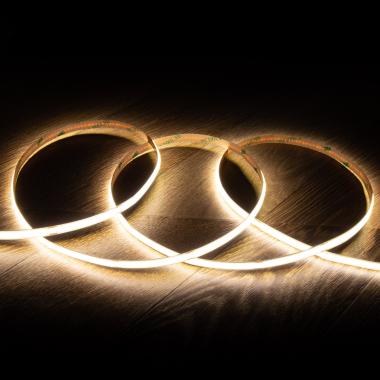
Advanced
15,39 €
 (22)
(22)Ref 108187
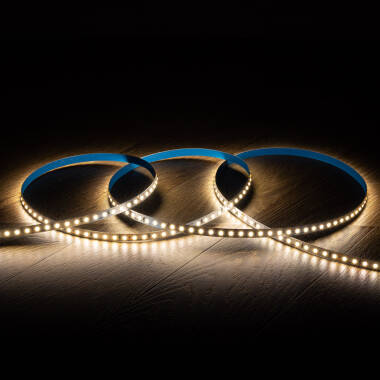
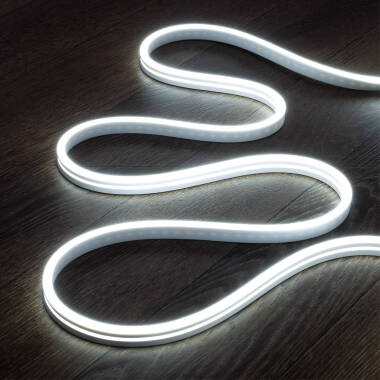
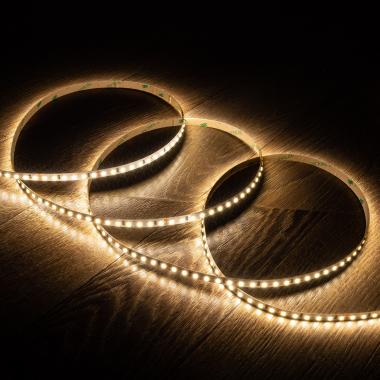
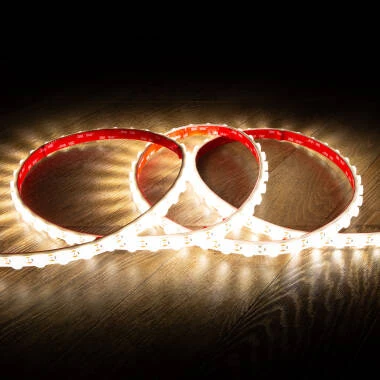
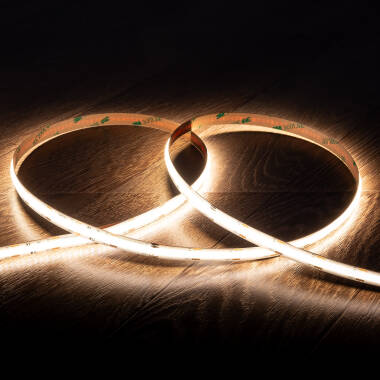
Adjustable5m 24V LED Strip COB 320LED/m 10W/m 1000lm/m 8mm Wide Cut at Every 5cm IP20 CRI90
In Stock, delivery in 15-20 days
- Voltage Range 24V DC
- Cut Points 5 cm
- Type Of Dimming Controller
6 options





You may also be interested in
Brands related to this category


About 24V DC LED Strips
Lighting solutions based on Low Voltage LED Strip Lights have evolved into more efficient and stable systems. Within this context, 24V LED strips have become a benchmark for projects requiring long runs, improved electrical performance, and consistent light output.
Why choose 24V DC LED Strip Lights
24V LED Strip Lights stand out primarily for their more stable electrical behavior in linear installations. As the length of an LED strip increases, voltage drop becomes a critical factor affecting light uniformity.
In 24V systems, this loss is significantly lower than in 12V systems, allowing for longer runs without visible differences in brightness. This results in fewer power injection points, fewer connections, and a cleaner, more efficient installation.
Additionally, this stability allows for higher power levels without compromising performance, making 24V LED strips a preferred choice in projects requiring continuous, uniform lighting with higher output demands.
Differences compared to other voltages
Operating voltage directly impacts efficiency, maximum installation length, and overall system stability.
Comparison with 12V and 48V LED Strip Lights
12V DC LED Strip Lights are better suited for smaller installations or applications requiring frequent cutting, as they allow for more precise length adjustments.
In contrast, 24V LED strips can double or even triple the usable length per run without intermediate power injection, reducing connections and simplifying installation in linear projects.
48V DC LED Strip Lights, on the other hand, are designed for large-scale applications where very long runs are required with minimal voltage drop and more advanced system control.
Differences with 5V LED Strip Lights
5V DC LED Strip Lights are mainly used in digital or decorative applications with individual pixel control.
By contrast, 24V LED strips are designed for general, continuous, and stable lighting, offering better electrical performance in larger installations.
Common configurations of 24V DC LED Strip Lights
A wide range of configurations allows lighting to be tailored to different technical and aesthetic requirements.
By LED density
LED density, measured in LEDs per meter, directly affects light uniformity. In applications where the strip is visible or used with a diffuser, 120 LEDs/m or more is typically recommended to avoid visible light نقاط (points).
In indirect lighting applications, lower densities may be sufficient, especially when light is reflected off surfaces.
By LED chip type
Common chip types in 24V LED strips include SMD 2835, 2216, and 5050. More advanced formats like 2835 offer higher efficiency and better heat dissipation, enabling higher lumen-per-watt performance.
5050 chips are mainly used in RGB configurations or when higher output per light point is required.
By color temperature and RGB control
24V LED Strip Lights are available in a range of color temperatures, from warm white (2700K–3000K) to cool white (5000K–6000K), making them suitable for both residential and professional environments.
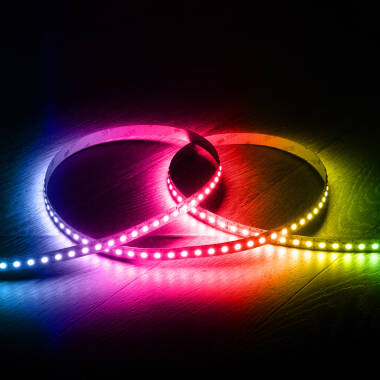
RGB versions are also available, allowing the creation of multiple colors and dynamic lighting scenes. These are mainly used in decorative lighting, architectural projects, or retail environments where visual impact is key.
In more advanced installations, it is common to combine white LED strips for functional lighting with RGB strips for ambient or decorative effects. RGBW versions are also available, incorporating an additional white channel to improve light quality when functional lighting is required alongside decorative effects.
Key technical criteria for 24V DC LED Strip Lights
Selecting the right 24V LED strip requires considering electrical, lighting, and installation-related factors.
Length and voltage drop
One of the main advantages of 24V systems is reduced voltage drop. This allows runs of 10 meters or more without significant loss of brightness, depending on strip quality.
This behavior simplifies continuous linear installations and avoids uneven lighting across the run.
Power and luminous output
Power is expressed in watts per meter (W/m) and determines light output. In 24V LED strips, typical values range from 10 to 20 W/m, delivering approximately 1,000 to 2,000 lumens per meter.
This makes them suitable for both decorative and functional lighting in workspaces or commercial environments.
Installation and heat dissipation
Although performance is higher than in 12V systems, heat dissipation remains a key factor. Using aluminum profiles improves system lifespan and maintains consistent light output.
These profiles also allow the integration of diffusers, which enhance visual uniformity and reduce glare.
IP rating (protection level)
The installation environment determines the required IP rating. For dry indoor areas, IP20 is sufficient, while in humid areas or outdoor environments, IP65 or higher is recommended.
Choosing the correct IP rating helps prevent premature failure and ensures long-term durability.
Where to use 24V DC LED Strip Lights
24V LED strips are especially suitable for installations where continuity and uniformity are critical.
Architectural linear lighting
In architectural projects, they enable continuous lines of light across ceilings, walls, or floors. Their ability to cover longer distances reduces the need for intermediate power points.
This type of installation is common in hotels, offices, and commercial spaces where aesthetics and uniform lighting are essential.
Retail and commercial lighting
In retail stores and display areas, 24V LED strips are used to highlight products, create visual pathways, or integrate lighting into furniture.
Their stable light output ensures consistent illumination across the entire length, avoiding darker areas that could affect product perception.
Technical lighting in kitchens and workspaces
In environments requiring continuous functional lighting, such as kitchens or work areas, 24V LED strips can achieve lighting levels between 300 and 500 lux with uniform distribution.
This improves visibility and reduces shadows, especially when installed under cabinets or within recessed profiles.
Frequently asked questions about 24V DC LED Strip Lights
How many meters can be installed with a 24V LED strip?
Under normal conditions, runs of up to 10 meters are possible without noticeable voltage drop. For longer installations, parallel power injection is recommended to maintain uniformity.
What is the difference between 12V and 24V?
12V DC LED Strip Lights are better suited for shorter, more precise installations. 24V LED strips offer better stability over long runs, reduced voltage drop, and a cleaner installation.
Can 24V LED strips be cut?
Yes, although cutting points are typically spaced further apart than in 12V strips. This means slightly less precision, but higher overall efficiency.
Are they compatible with RGB systems?
Yes, 24V LED strips are available in RGB and RGBW versions, compatible with controllers for managing color, brightness, and scenes.
Are they suitable for professional use?
Yes, especially in projects requiring continuous lighting, stability, and low maintenance. They are widely used in commercial, architectural, and industrial installations.
Can they be used outdoors?
Yes, provided that appropriate IP-rated versions (IP65 or higher) are used along with power supplies suitable for the installation environment.