
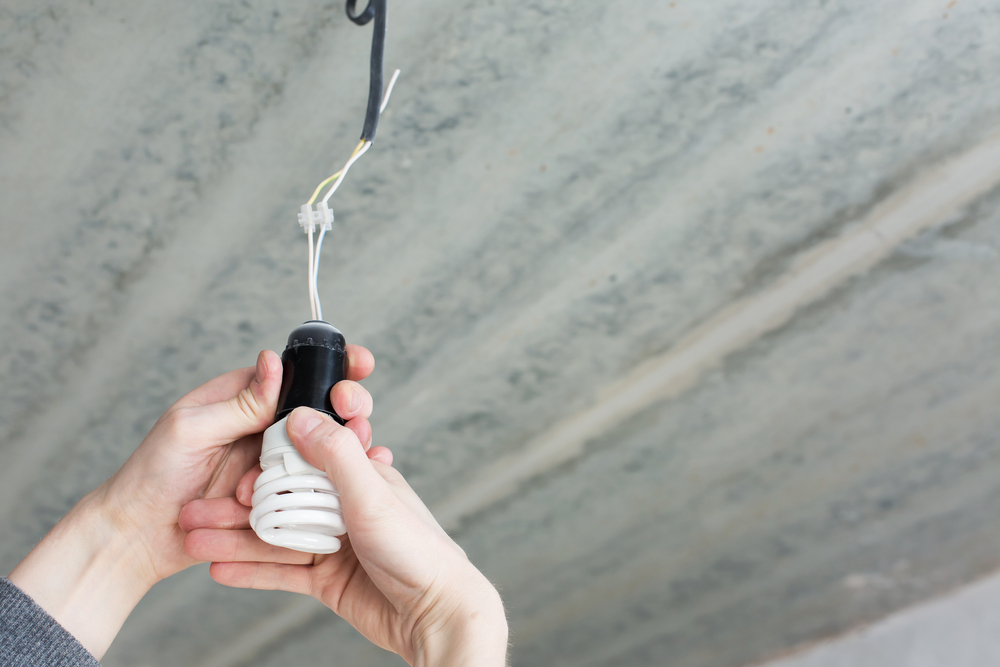
The flickering of an LED bulb is one of the most common problems related to LED technology. Sometimes, when replacing a halogen bulb with an LED bulb, the replacement bulb flickers or does not turn off completely, let’s see how we can resolve this problem with an easy and simple fix. If the problem is that the bulb does not switch off completely, we can find the solution in this other article.

Why does an LED bulb flicker?
Most of the time this problem appears when replacing halogen lighting with LED lighting, simply by removing and replacing bulbs, without removing the transformer installed with the halogen bulbs. The latter being the cause of the flickering of the newly installed LED bulb.
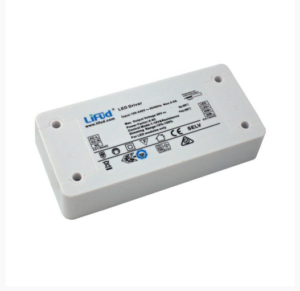
When it comes to LED lighting, instead of transformers the use drivers or controllers are needed, which have the same function as a transformer which is to regulate the flow of electricity by ensuring that an LED or a series of LEDs are always supplied with the correct voltage and current, regardless of fluctuations in the mains power supply.
Unlike a driver, an electrical transformer closes the circuit when a bulb is switched on and begins to register consumption. So when an LED bulb that consumes less wattage is fitted, there is an insufficient load to close that circuit. The circuit then enters a loop of opening and closing the system, causing an LED bulb to flicker. A transformer helps to regulate the light consumption and obtain more luminous efficiency.
Solutions for flickering LED bulbs
Although the ideal solution would be to replace the existing transformer in the installation with a specific driver for LED lights, we are offering two ways to quickly and easily solve the flickering of an LED bulb while retaining the electrical transformer.
Maintain a transformer that feeds several light bulbs.
It is possible to connect as many LED bulbs in parallel as needed to achieve the minimum load. However, there is no need to overload, as the driver or transformer itself also consumes some power. For example, if you have a transformer that supplies up to 60W and you have 5W LED bulbs, you would not be able to install 12 bulbs. Instead 5 would be sufficient to reach 25W and it would be more than enough for the transformer not to cause the bulbs to flicker.
This way you run the risk that if one of the bulbs in parallel fails, it will unbalance the load again and, as a result, cause problems for the rest of the fixtures in the installation.
Adding a capacitor in parallel to the transformer output
A transformer is designed to power halogen bulbs, for example, 50W bulbs, and when replacing them with LED bulbs of around 5W, we could say that the transformer does not even notice them. We can add a capacitor to the transformer’s electrical board to eliminate the flickering of an LED bulb. It is very simple and can be done by any handyman.
An electrical capacitor is a device capable of storing energy. It can be added in parallel to a transformer to provide part of the electrical current needed to prevent flicker.
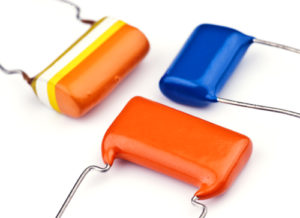
Implementation is much simpler than the previous solution. It is placed in parallel to the output of the transformer, and as it is an alternating output, in other words, electrical protection, there is no contact with the current. As it is a safe output, it is possible to work with the current.
Although it is advisable to replace the existing transformer in the installation with a specific driver for LED lights, you can stabilise the lighting of an LED bulb with these two tricks that will get you out of trouble, and thus put an end to the annoying flickering that strains your eyes and, likewise, eliminates the sound it produces.
Would you like to try these tricks to get rid of light flickering?