
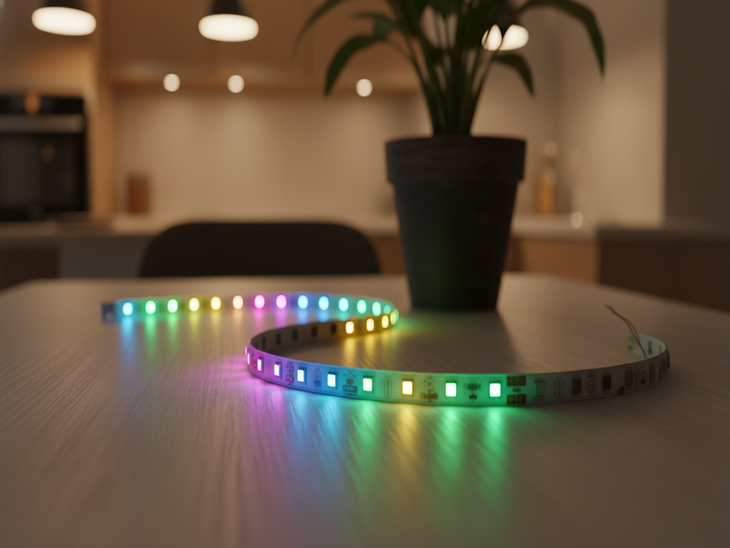
RGB LED strips can transform any space with vibrant colors and stunning effects, but many times users find that the colors don’t work as they should. Perhaps a shade doesn’t light up, the light stays fixed on one color, or it simply doesn’t respond to the remote or app. These problems are more common than they seem, and while they can be frustrating, they almost always have identifiable causes and accessible solutions. In this article, we’re going to take a closer look at why RGB LED strips are not working properly.

Table of Contents
How does an RGB LED strip work?
An RGB LED strip is a type of flexible lighting composed of multiple LEDs aligned on a support, usually an adhesive tape or a flexible plate, which allows them to be installed on different surfaces and shapes. The term RGB comes from the three basic colors that each LED can emit: Red (Red), Green (Green) and Blue (Blue). The operation of these strips is based on the combination of these three colors in different intensities, which makes it possible to generate from primary colors to customized tones.
Causes of color failure in RGB LED strips
Failures in the color channels
If one of the channels of an RGB LED strip stops working properly, the light may remain fixed on a single color or the combinations may not display as they should. Common causes include:
- Faulty LEDs: When a diode has a manufacturing defect, it blocks the output of the corresponding color. This means that even if the other channels work, the affected color will not be reproduced correctly. For example, if the red channel fails, colors that depend on red will appear dull or distorted.
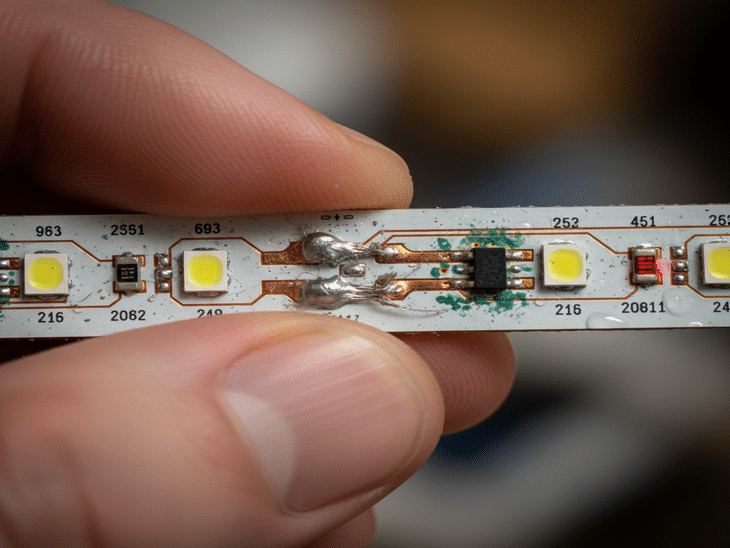
- Soldering or loose connections: RGB LED strips depend on solid connections between the LEDs, drivers and controller. Poor soldering or corrosion can disrupt the signal of a color channel. This causes certain colors to not light or the strip to show inconsistent shades along its length. Even small imperfections in the connection can lead to visible color failures.
Voltage drop and insufficient power supply
One of the most frequent causes is voltage drop or insufficient power supply. Each color channel needs a stable voltage to function properly. When the power supply does not meet the requirements of the strip, especially on long strips, several problems occur:
- Fainter or duller colors at the ends: As the electrical current travels through the strip, the resistance of the driver causes a voltage drop. This causes LEDs far from the power point to receive less voltage, and as a result, colors appear duller or uneven. For example, a white that should be bright may appear yellowish or faint at the ends.
- Colors that do not reproduce correctly or strange mixtures: The lack of sufficient voltage in one or more color channels can alter the mixture of red, green and blue, generating different tones than those selected. This explains situations where the LED strip does not change color as expected, showing wrong or inconsistent color.
- Spontaneous flickering or color changes: Unstable current can also cause the strip to flicker or the LEDs to change color randomly. This phenomenon occurs when the controller attempts to compensate for the voltage drop, causing visible variations in the intensity of the color channels.
Recommended products
In Stock, delivery in 15-20 days
14.99 £
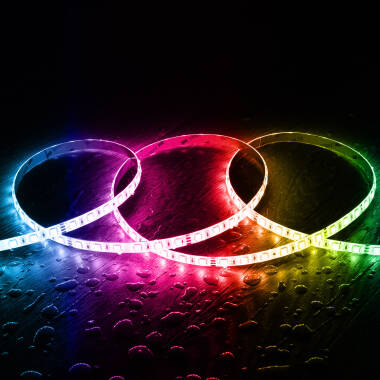
5m 24V LED Strip RGB 60LED/m 9W/m 10mm Wide cut at Every 10cm IP65
View product
In Stock, delivery in 15-20 days
27.99 £
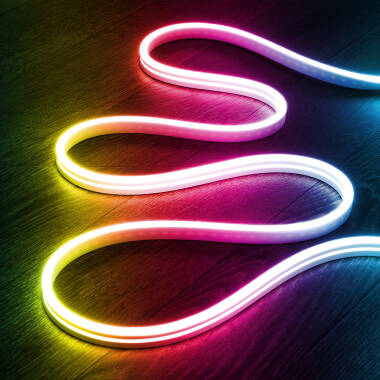
5m 24V Neon LED Strip in RGB 9.5W/m Cut at Every 5cm IP65
View product
In Stock, delivery in 15-20 days
18.49 £
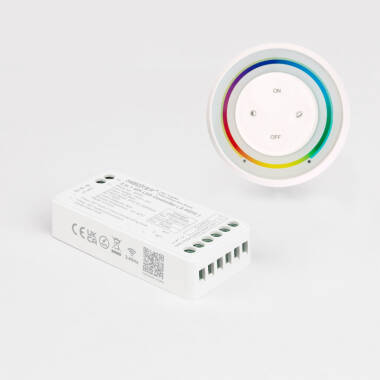
MiBoxer Controller Digital SPI 3 in 1 for Digital LED Strip Moncohrome/RGB/RGBW + RF Rainbow Remote
View product
In Stock, delivery in 16-21 days
159.99 £
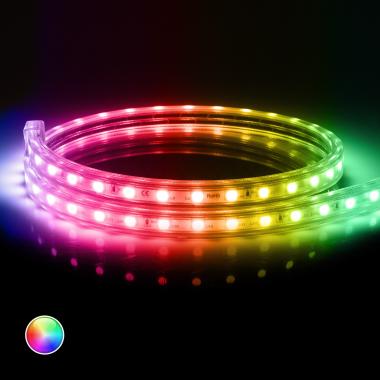
220V LED Strip SMD in RGB 60LED/m 10W/m 16mm Wide Cut at Every 100cm with IR Remote IP65 Custom Length
View product
Incorrect color mixing
Another common problem is incorrect color mixing, which occurs when the three channels are not evenly matched. This can happen due to natural aging of the LEDs or manufacturing defects. Among them we find:
- Dull or desaturated hues: over time, the diodes lose luminous efficiency unevenly. This causes some colors not to reach the expected intensity, resulting in dull tones.
- Colors that do not match the controller selection: When the channel mixing is not accurate, the colors selected by the user on the controller are not reproduced correctly. The strip may show a different color than expected, even when all LEDs are on.
- Color differences between segments of the same strip: In long strips or in low quality models, each section may have slightly different LEDs, resulting in visible color variations along the strip. This is especially evident when trying to display uniform colors such as white or blue, where changes in colour temperature can be perceived, making some sections look warmer or cooler than others.
Overheating
Excessive heat can directly affect LED integrity and color uniformity. Common effects include:
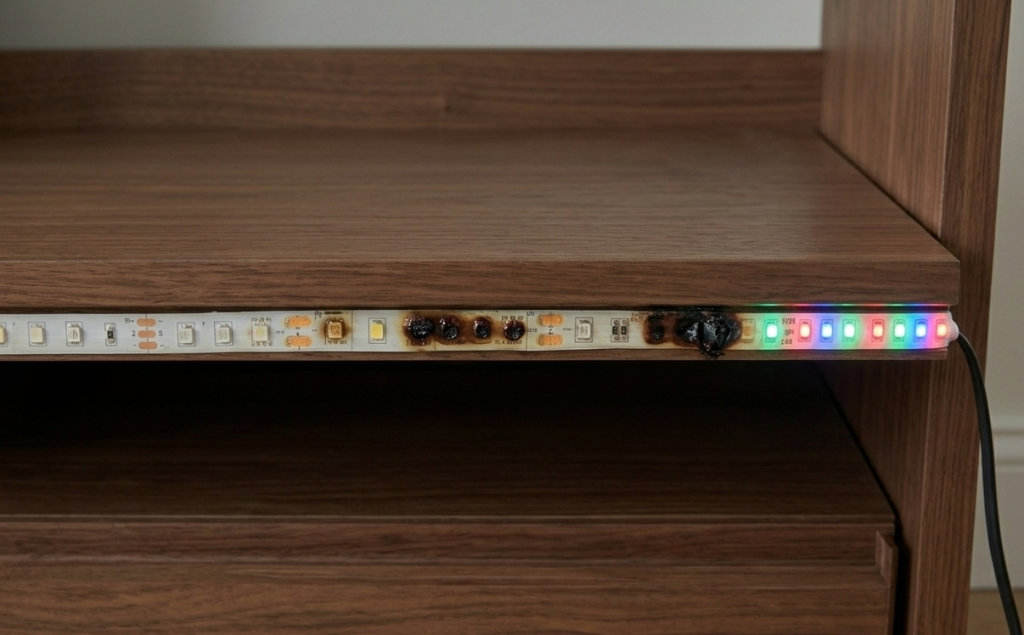
- Partial burn-in of a color channel: When the applied voltage exceeds LED specifications or the channels receive excess current, a diode can partially burn in. This causes the affected channel to stop emitting its color correctly, causing certain tones not to be reproduced or the RGB mix to be altered.
- Diffuser material breakdown: Excessive heat can damage the material covering or diffusing the LEDs, altering color perception. Even if the LEDs are working, the final color may appear yellowish or with inconsistent shades, especially in strips with low-quality silicone or PVC covers.
Problems with long LED strips
Long RGB LED strips can present some problems that affect color accuracy due to electrical and design factors, such as:
- Progressive brightness loss along the strip: due to the resistance of the circuit, some of the power is lost as heat as the current travels along the strip. This causes the LEDs at the end to receive less power than those at the beginning, generating a less intense illumination in the last segments. The result is a visual effect where the strip appears brighter at the beginning and progressively dimmer towards the end, affecting the overall uniformity of the illumination.
Control and timing issues
In Smart LED strips that are controlled by mobile apps or remote controls, color problems are often due to communication failures between the controller and the strip. These situations can prevent the LEDs from changing color correctly or displaying different shades than those selected. This can be due to:
- Interference on Wi-Fi or Bluetooth strips: the presence of other electronic devices or saturated networks can generate interference. This causes delays in the strip response or unexpected color changes.
- Controllers out of sync with the strip: Some controllers may lose synchronization with the strip due to power outages or temporary errors. This causes the LEDs to misinterpret the received signals, resulting in wrong colors or the strip remaining fixed on a certain color.
Quality of components
Opting for low-quality products can lead to recurring problems that affect both the appearance and functionality of the lighting. Major problems resulting from poor quality components include:
- Low-quality LEDs: poorly manufactured or improperly certified diodes tend to lose intensity over time and emit unbalanced colors. This results in dull hues.
- Inaccurate drivers: A poor quality or poorly designed driver may not correctly send signals to each color channel. This limits the ability to reproduce accurate combinations and leads to errors in color mixing, even if the LEDs are good. Visual effects and intermediate colors may look distorted or uneven.
- Underpowered power supplies: Insufficient power causes voltage drop, directly affecting the intensity of the color channels and leading to problems such as flickering or dull tones. In addition, a poor power supply increases the risk of overheating and reduces the lifetime of the LEDs and driver.
Professional solutions for RGB LED strip color failures
To professionally solve color problems in RGB LED strips:
- Check connections and soldering: make sure there are no loose wires or damaged spots. Check all connection points between the power supply, controller and LED strip. If you detect loose connections or deteriorated soldering, reinforce them to ensure proper electrical contact.
- Test with another driver: Rule out faults in the color signal control. If possible, connect the LED strip to another compatible controller to test its operation. This step allows you to quickly verify if the system responds correctly with different equipment.
- Check the power supply: Make sure that the power supply delivers the proper voltage and has the necessary power to supply the entire installation. It is also a good idea to check the condition of the adapter and power cables.
- Replace defective LEDs: In strips with high quality LEDs, this is usually fast and effective. If you detect a segment that does not reproduce colors correctly, you can replace that particular section of the strip or the affected LED.
- Update software or app: A good update can help keep the system working properly. Check for new versions of the application or driver firmware and update them as needed to ensure the best system compatibility and stability.
In most cases, color problems in RGB LED strips can be resolved with a basic check and some installation adjustments. By applying these checks, it is possible to restore the lighting quality and ensure that the LED strip will once again display colors with the expected intensity.